
 Best overall
.ai
Adobe Illustrator files are excellent for logos, flat colour artwork and screen print setup. They’re also useful for digital print, but not essential for embroidery.
Different decoration methods need different artwork. Embroidery is manually digitised into stitches, digital print works best from large high-quality image files, and screen print needs proper vector artwork for clean colour separation.
Send the best-quality version of your logo or design that you have. The ideal file type depends on the decoration method: embroidery, digital print and screen print each need artwork for different reasons.
Best overall
Adobe Illustrator files are excellent for logos, flat colour artwork and screen print setup. They’re also useful for digital print, but not essential for embroidery.
 Screen print
EPS files are usually strong for vector logo artwork and screen print preparation, provided the artwork is properly created as vector shapes.
 Depends on file
PDFs can be useful if they contain proper vector artwork. A PDF can also contain a low-quality image, so the quality depends on how the PDF was created.
 Great for digital print
A large, high-quality PNG with a transparent background can produce excellent digital print results. It’s also fine for embroidery because we digitise the design into stitches.
 Large files only
JPG files are acceptable for digital print if they are large, detailed and not heavily compressed. They can also be used for embroidery digitising.
 Design file
Photoshop files can be useful for digital print artwork, especially where layers, transparency or design elements need to be checked.
 Reference only
Word files are useful for instructions, layout notes or reference images, but they are rarely suitable as final production artwork by themselves.
 We'll help
Send the file anyway. If there’s a problem with the artwork, XAMAX® will let you know before production where possible.
 8Mb Max
Website uploads should be kept to 8MB where possible. Larger artwork can be shared with a WeTransfer or Google Drive link.
Raster and vector files can look similar at normal size, but behave very differently when enlarged. That difference matters most for digital print and screen print, while embroidery is manually digitised into stitches so matters less.
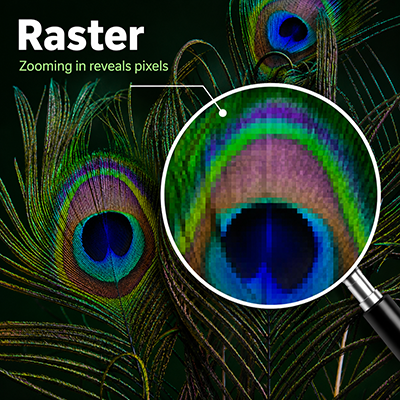
JPG, PNG and PSD files are usually raster images. For digital print, a large detailed raster file can work very well. A high-quality PNG with a transparent background is often a strong option.
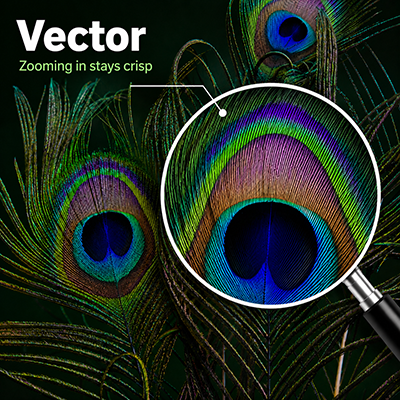
AI, EPS and some PDF files can contain vector artwork. Vector files scale cleanly and allow shapes and colours to be separated, which makes them essential for screen print setup.
Choose print or embroidery when configuring your garments. The best option depends on your logo, garment and the finish you want. The guidance below will help you decide, and XAMAX® will let you know if there is a production issue with your chosen method.
 Stitched finish
Embroidery is not printed from your image file. XAMAX® digitises the design by drawing each stitch over the artwork, then the embroidery machine stitches the design using thread.
 High detail
Digital print is flexible and works well for full-colour designs, detailed artwork and logos with gradients. Large, clean image files can produce excellent results.
 Vector required
Screen print requires proper vector artwork so each colour can be separated cleanly. XAMAX® screen print is limited to a maximum of 5 colours.
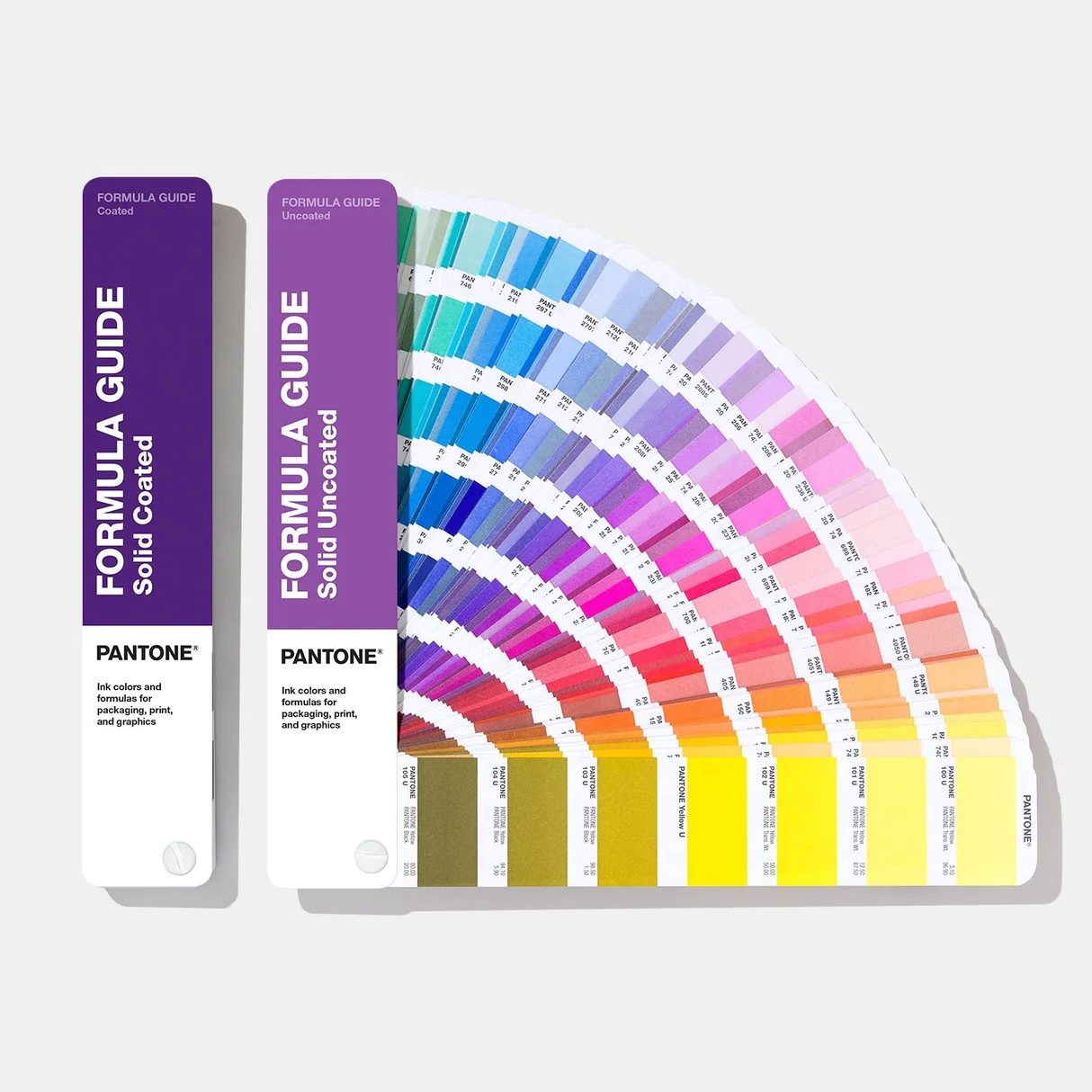
Colour matching depends on the decoration method. Screen print can be matched to Pantone, digital print uses a print process, and embroidery is limited by the thread colours available.